> For the complete documentation index, see [llms.txt](https://docs.theseaai.com/llms.txt). Markdown versions of documentation pages are available by appending `.md` to page URLs; this page is available as [Markdown](https://docs.theseaai.com/others/help.md).
# Help
## Ask your questions directly in Beachside
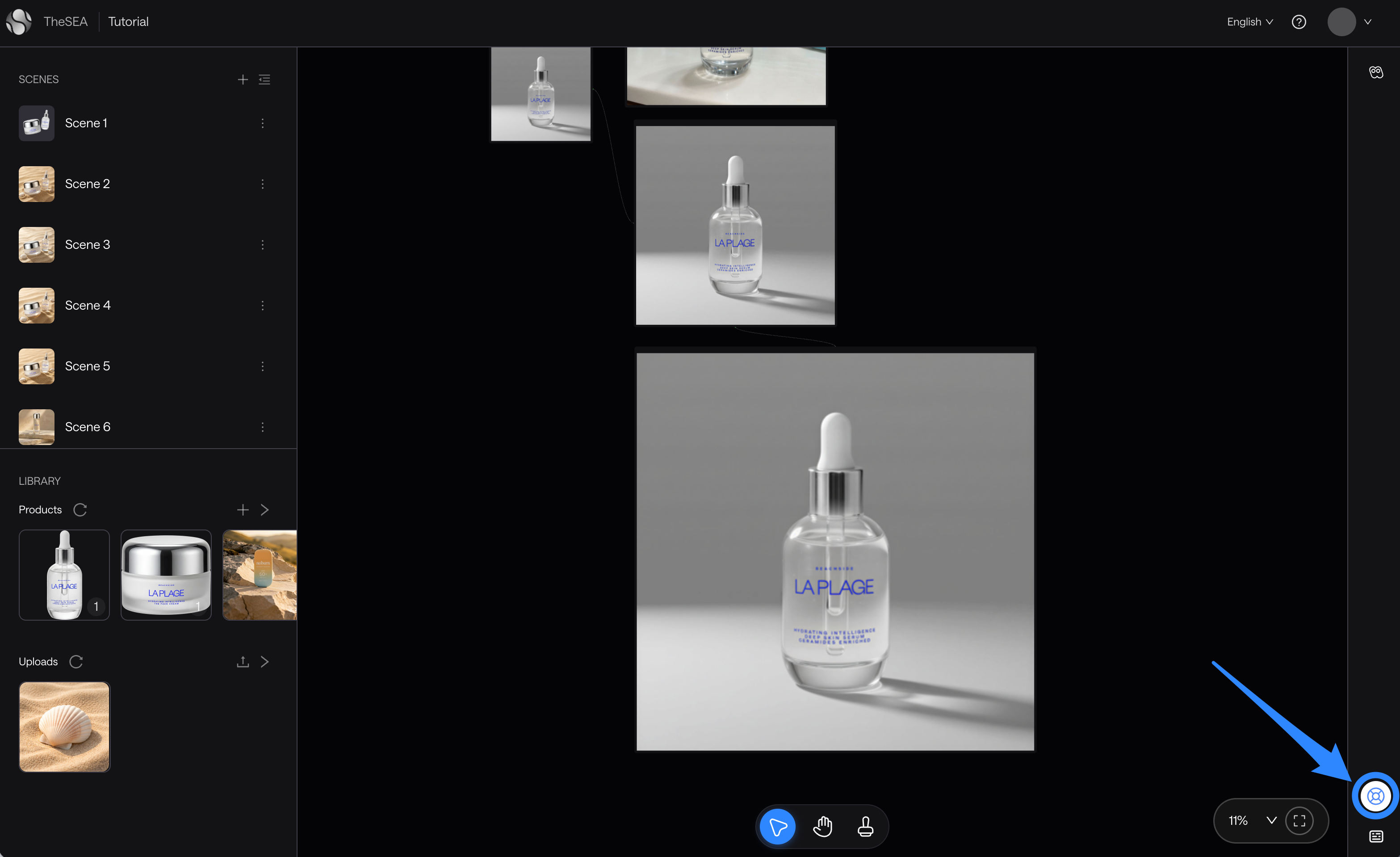
No need to leave the app to find answers. We added a help widget directly in Beachside, available across all pages, whenever you need it.
Here's what you can do from it:
* **Ask your questions directly** Our AI agent knows everything about how to use Beachside. Just ask in your own words and get precise, instant answers.
* **Browse Beachside Docs** Access the full documentation.
* **Share feedback or report a bug** Use our [dedicated form](https://theseaai.notion.site/26973d8df43f8027a238e1cdd248711c?pvs=105) to send questions or flag anything. We read everything and take it seriously.
**To open the help widget, click here**
***
## When a generation fails repeatedly
If a generation keeps failing with the same prompt and inputs, the cause may be that your instructions aren't permitted. Here are the common triggers:
**Brand names and trademarks.** Naming a product, brand, or software in your prompt can trigger trademark protections, even when your intent is innocent. For example:
* instead of asking to remove the TheSEA logo
* try to describe the element by what it looks like and where it is: remove the small overlaid text and graphic in the lower-right corner.
**Logos, faces, and branded text in your images.** Reference images with prominent logos, recognizable public figures, or branded text are common triggers. If a generation keeps failing, check whether the source image contains any of these and consider using another reference.
**Describe visually, not by name.** Across all cases, the most reliable fix is to describe what you want in plain visual terms: the shape, the position, the color, the texture.
***
## Share your question or a feedback
Got something on your mind? We'd love to hear it, whether it's a question, a bug report, or an idea. Use the form below to reach us directly.
{% embed url="" %}
---
# Agent Instructions
This documentation is published with GitBook. GitBook is the documentation platform designed so that both humans and AI agents can read, navigate, and reason over technical content effectively. Learn more at gitbook.com.
## Querying This Documentation
If you need additional information that is not directly available in this page, you can query the documentation dynamically by asking a question.
Perform an HTTP GET request on the current page URL with the `ask` query parameter, and the optional `goal` query parameter:
```
GET https://docs.theseaai.com/others/help.md?ask=&goal=
```
`ask` is the immediate question: it should be specific, self-contained, and written in natural language.
`goal` is optional and describes the broader end goal you are ultimately trying to accomplish on behalf of the user. GitBook uses it to tailor the answer towards what is most useful for that goal.
The response will contain a direct answer to the question and relevant excerpts and sources from the documentation.
Use this mechanism when the answer is not explicitly present in the current page, you need clarification or additional context, or you want to retrieve related documentation sections.